



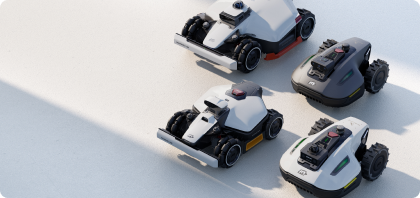




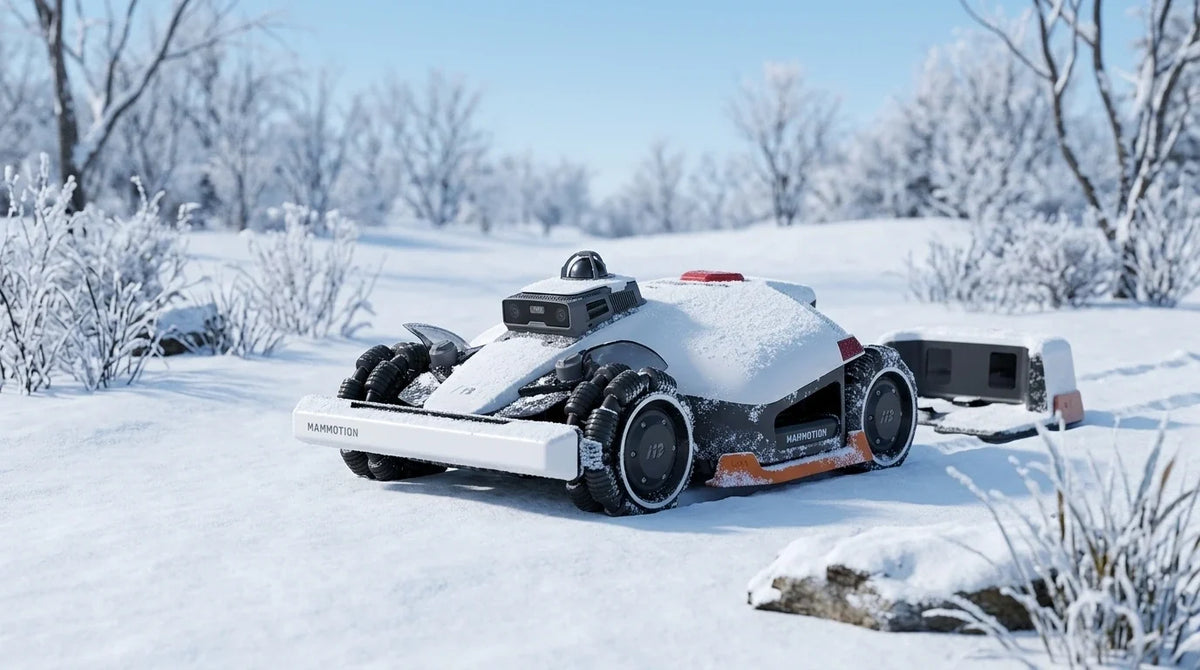
European winters are long and cold, especially in Central and Northern Europe, where many areas see extended freezing periods, as in Finland, Norway, and Switzerland. If a robot lawn mower is left outdoors for an extended period, the cold, snow, freezing temperatures, and humidity can damage its lithium battery, electronic components, and RTK (real-time kinematic) positioning equipment, leading to poorer performance or unnecessary damage.
This guide covers how to prepare your robot lawn mower for winter storage, along with some extra robot lawn mower winter maintenance tips.
Robot lawn mower winter storage checklist
Winter storage is an important part of maintaining your robot lawn mower. It comes down to four areas: cleaning, blade care, battery charging, and indoor storage. The checklist below sums up the main points for each one.
- 1. Thorough cleaning: Clean the mower, its housing, chassis, blades, wheels, camera, charging station, and RTK reference station.
- 2. Maintenance: Replace worn blades, and always use new screws when you change them.
-
3. Charging the robot lawn mower in winter:
- Charge the mower to at least 80% before long-term storage.
- Charge the battery back to at least 80% every 90 days while it is stored.
- Make sure the charging contacts are clean and dry before charging or storage.
-
4. Storage:
- If the ambient temperature is below −10 °C, keep the mower indoors.
- If the ambient temperature stays above −20 °C, protect the RTK reference station with a plastic bag or a cover.
- If the ambient temperature drops below −20 °C, take the RTK reference station down and store it indoors.
- If your model has a removable battery, take it out of the mower and store it indoors.
The sections below explain each step in turn.
How to store your robot lawn mower for winter
You can watch the video, or follow the written steps below to clean, maintain, and store your robot lawn mower properly over the winter. You can download and read the English user manual (PDF).
Step 1: Clean the robot lawn mower thoroughly
Clean the robot lawn mower before you put it away. Remove all dirt, grass clippings, and moisture. That prevents corrosion and keeps the sensors and charging components working properly next season.
When cleaning, keep the following in mind:
- Do not use a pressure washer, because water can get into the motors and electronic components.
- Do not use alcohol, petrol, acetone, or other corrosive cleaning agents, since they can damage the mower's surface and internal parts.
- Use a soft brush, a microfibre cloth, or a lightly dampened cloth instead.
Pay particular attention to these parts:
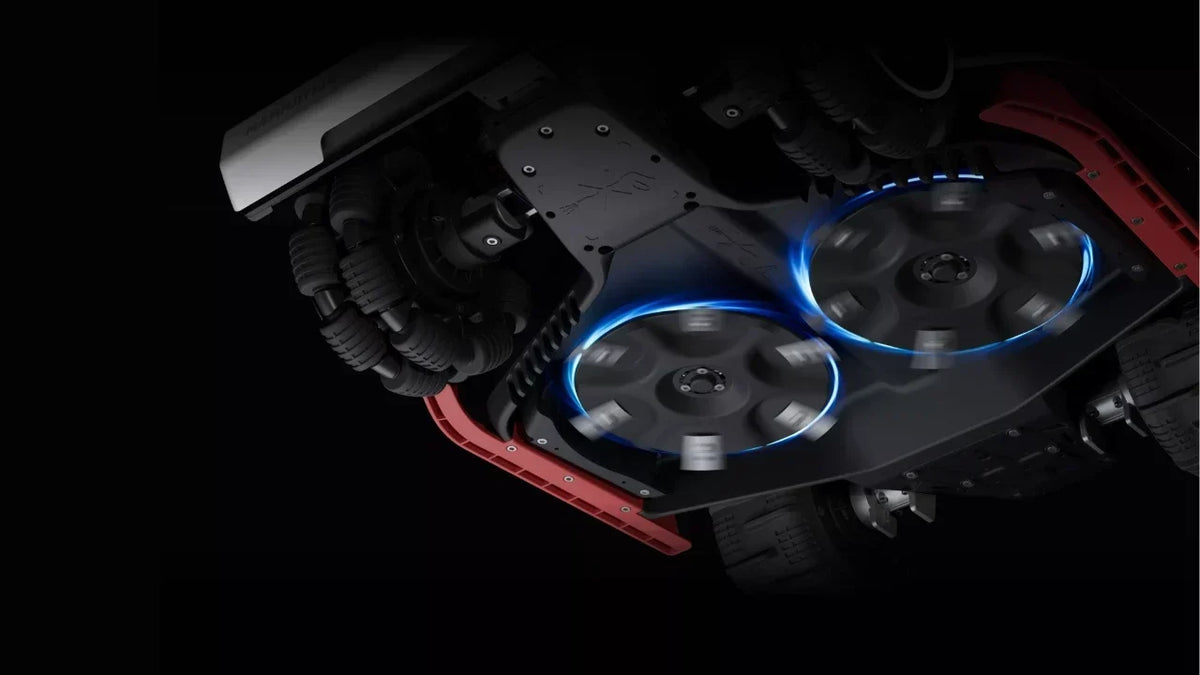
- Underside: brush grass clippings, soil, and other debris off the chassis, cutting discs, and blades. While you are there, check that the blades turn freely.
- Wheels: remove mud and dirt that has collected around the wheels and hubs.
- Camera and LiDAR: wipe the camera lens and the LiDAR module gently with a clean microfibre cloth. Clean sensors give better mapping, positioning, and obstacle detection when the mower goes back to work in spring.
- Charging station: clean the infrared transmitter and the charging contacts to reduce the risk of charging problems.
- RTK reference station: wipe the station with a soft cloth to remove dust and dirt. It normally needs no deeper cleaning than that.
Step 2: Replace the blades
It is best to replace worn blades before the mower is put away for winter, so it is ready for the first cut of the season in spring. Replace all the blade screws at the same time. Old screws wear the mountings over time, which makes them more likely to work loose or, in the worst case, come off while the mower is running.
Follow these steps when you change the blades:
- Switch the mower off.
- Put on protective gloves to avoid cuts.
- Turn the mower upside down on a soft, clean surface, taking care not to put pressure on the LiDAR module.
- Remove the old blades with the screwdriver and cross-head screwdriver provided.
- Fit the new blades with the screws provided. Make sure the blades turn freely and are firmly attached.
Step 3: Charging the robot lawn mower in winter
How to charge a robot lawn mower for winter storage:
- Charge the mower to at least 80% before long-term storage, to keep the battery from over-discharging.
- Charge it back to at least 80% every 90 days, even when it is not in use.
- Make sure the charging ports on the mower are clean and dry before storage or charging.
If the battery is left at 0% for a long time, it can over-discharge. In the worst case it is permanently damaged, and the mower will not start when spring comes.
Step 4: Storing your robot lawn mower for winter
Once the mower is clean, serviced, and charged, it is time to put it away. A dry, frost-free space helps protect the battery and the electronic components from cold and condensation.
1. Storing the robot lawn mower
If the ambient temperature drops below −10 °C, keep the mower indoors. Choose a dry place with a stable temperature, and avoid anywhere with high humidity or big swings in temperature, since condensation can affect the electronics.
2. Storing the RTK reference station
- If the temperature stays above −20 °C, the RTK reference station can stay outdoors, but cover it with a plastic bag or a dedicated cover.
- If the temperature drops below −20 °C, take the station down and keep it indoors until next season.
3. Storing the charging station
Disconnect the charging station from the power supply, clean the charging contacts, and store it in a dry place if it is not staying installed over winter.
4. Storing a removable battery
If your Mammotion model has a removable battery, take it out of the mower the way the manual describes and store it in a dry, frost-free spot indoors. That helps the battery hold its performance and its working life through winter storage.
Do you need professional robot lawn mower winter storage?
If you have a dry, frost-free space at home, following the steps in this guide is usually enough. A professional storage service is a convenient option if you would rather hand maintenance and storage over to an authorised dealer or service workshop.
What does professional winter storage usually include?
What is included varies between dealers and markets, but professional winter storage usually covers several of these services:
- Storage in a temperature-controlled, dry space for the whole winter.
- A thorough clean of the mower.
- A check and replacement of worn blades, with new blade screws where needed.
- Battery checks and maintenance charging during storage.
- A firmware check and an update to the latest version.
- A function check and a start-up test before spring, so you know the mower is ready to use.
Some service centres also offer diagnostics, wear-part replacement, and other preventive robot lawn mower winter maintenance for an extra charge.
What does professional winter storage cost?
The price depends on the dealer, the country, and which services are included. If you are wondering where to take your robot lawn mower for winter storage, many local dealers and authorised service workshops offer the service across Europe. Contact your nearest dealer or service partner for current prices and available packages.
Who should consider professional winter storage?
Professional winter storage suits you especially well if:
- You do not have a dry, heated space for winter storage.
- You are away or will not be home for a long period.
- You want to save time and avoid doing the cleaning and maintenance yourself.
For most homeowners who have a dry indoor space, though, the recommendations in this guide are enough. Clean the mower thoroughly, charge the battery properly, and store the equipment the right way, and you can see it through the winter yourself, ready for when the grass starts growing again in spring.
Conclusion
Proper winter storage is the best way to keep your robot lawn mower in good shape for next season. A few simple preparations protect the battery, extend the life of the wear parts, and lower the chance of problems when the grass starts growing again.
Keep these four principles in mind:
- Clean the mower thoroughly before you put it away.
- Check and maintain the wear parts, replacing worn blades and screws as needed.
- Charge the battery to at least 80% before winter storage, and top it up every 90 days.
- Store the mower in a dry, frost-free space with a stable temperature, and handle the RTK reference station, the charging station, and any removable battery as recommended.
Follow these tips and your Mammotion robot lawn mower will be ready to give its best when spring arrives. Then you can leave it to head out onto the lawn and get on with the job.
Did you like this article? Add us as a preferred source to find us more easily on Google.


Leave a comment
This site is protected by hCaptcha and the hCaptcha Privacy Policy and Terms of Service apply.