




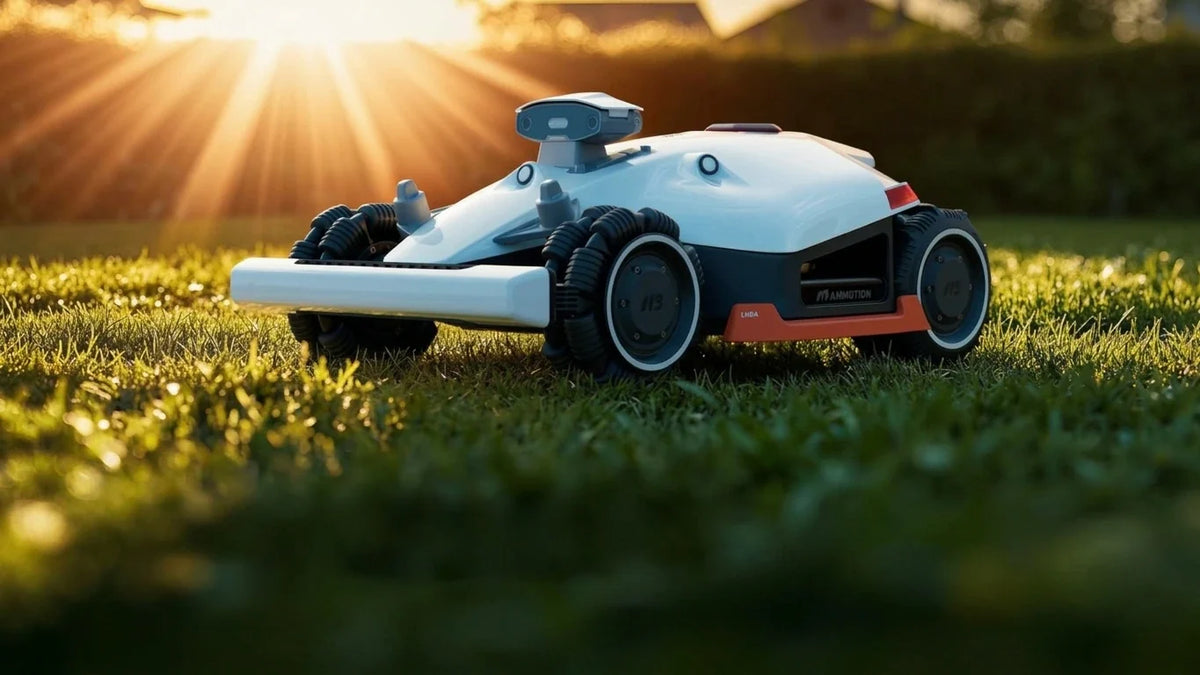
Looking after a robot lawn mower properly is what keeps it cutting well and running for years. Hot summers and cold winters are hard on the mechanical and electronic parts inside a robotic mower, so routine care matters. This guide sets out a five-part robotic lawn mower maintenance plan: cleaning, replacing blades, checking the battery, winter storage and troubleshooting common faults.
Get Official Support
Maintenance procedures vary between different models. Before proceeding, please confirm your mower model and its instruction manual. For Mammotion LUBA & YUKA series, you can visit Mammotion Support to view the user manual for each model, or contact us for help.
Overview of robot mower maintenance
Regular robotic mower maintenance comes down to five things:
- Cleaning.
- Replacing worn blades.
- Checking the battery.
- Winter storage.
- Troubleshooting common faults.
Each one is covered in detail below.
Maintenance 1: Cleaning your robot lawn mower
Keeping the machine clean is the most basic job in any robot lawn mower maintenance routine. Clippings and dirt collect on the chassis, blades, wheels and camera sensors, and clearing them keeps the mower working properly and the wheels gripping well.
What happens if you don't clean a robot lawn mower?
- Cutting performance drops: When clippings pack onto the blade disc and blades, the mower gets louder, struggles to hold the cutting height you set, and meets more resistance as it cuts, which drains the battery faster. Grass and mud packed around the wheels make the mower slip, so it copes badly with bumps, dips and steep slopes in the garden.
- Sensor sensitivity drops: In spring and summer, when grass grows fastest, pollen and dust settle on the camera. The sensors then pick up less detail, and the mower becomes less flexible at recognising obstacles.
How to clean your robot lawn mower (LUBA 3 AWD)
These steps are for LUBA 3 AWD; for more model-specific guidance, please see your user manual.
Robot
WARNING
- Ensure the robot is completely powered off before beginning any cleaning work.
- Always turn off the robot before turning it upside down.
- When turning the robot upside down, handle it with care to avoid damaging the LiDAR module.
Housing
Use a soft brush or a damp cloth to clean the robot's housing. Avoid using alcohol, gasoline, acetone, or other corrosive or volatile solvents, as they may damage the robot's appearance and internal components.
Bottom
- Wear protective gloves while cleaning the chassis and cutting discs. Use a brush to remove debris. Check for blade damage and ensure that the blades and cutting discs can rotate freely. DO NOT use sharp objects to clean the bottom.
- Remove the cutting disc (A) and cutting blade guard (B) and clean them thoroughly. Take care not to put pressure on the LiDAR module.
Wheels
- Clean the wheels using a brush or water hose. Remove the mud if any.
- Vision Camera / LiDAR Module
- Wipe the vision camera lens / LiDAR module with a microfiber cloth to remove any stains.
Rear
Regularly clean the rear charging pads and infrared receiver with a cloth to remove grass clippings and dirt. Keeping these parts clean prevents charging failures.
Charging Station Cleaning
Unplug the charging station before cleaning or performing maintenance on the charging station. Use a brush and cloth to clean the infrared transmitter and the charging contact.
RTK Reference Station Cleaning
Wipe the RTK reference station with a cloth to remove any accumulated dirt.
Note: Modern robot mowers are built to cope with wet weather, but that does not mean you can hose them down with a pressure washer. Water resistance is set by the machine's IP rating, so check the manufacturer's specification first.
Maintenance 2: Replacing robot lawn mower blades
Blades are the part you replace most often. Once they blunt, they stop slicing grass cleanly and start tearing it instead. The tips of the grass fray and dry out, turning yellow or white, and the whole lawn looks pale and dull.
How often should you replace the blades?
Cutting blades are considered wear parts and should be replaced if they become severely worn. It is recommended to replace the blades every 3 months or after 150 hours of use. For thicker grass, more frequent blade replacement may be necessary.
How to replace robot lawn mower blades safely (LUBA 3 AWD)
These steps are for LUBA 3 AWD; for more model-specific guidance, please see your user manual.
- Turn off the robot.
- Place the robot upside down on a soft, clean surface, taking care not to put pressure on the LiDAR module.
- Remove the old cutting blades with the included screwdriver using the Phillips bit.
- Install the new cutting blades using the included screws. Ensure that the blades can rotate freely and are securely installed.
WARNING
- Always wear protective gloves when replacing the cutting disc or blades. DO NOT use an electric screwdriver during installation.
- When replacing the cutting disc or blades, replace all the screws at the same time to ensure optimal cutting performance.
- After installing, ensure the cutting blades can all rotate freely.
- To ensure optimal performance during long-term storage, keep the hub motor shaft dry and clean. Regular maintenance of the motor shaft helps prevent dirt and moisture buildup, which can affect the motor’s function.
Maintenance 3: Looking after a robot lawn mower battery
Many modern robotic lawnmowers use lithium-ion batteries. These batteries dislike extreme temperatures, and heat in particular. Charging when it is very hot outside puts pressure on the cells and speeds up the ageing process.
Here are some battery maintenance tips; for model-specific guidance, please see your user manual.
- Charge the robot to at least 80% before long-term storage to prevent battery over-discharge.
- Recharge the robot to at least 80% every 90 days, even when it is not in use.
- Ensure the charging ports on the robot are clean and dry before storing or charging.
Maintenance 4: Winter storage for a robot lawn mower
Once autumn winds down and the grass stops growing, it is time to put the mower away for the winter. A cold winter brings long spells of low temperatures, and that is hard on a robotic mower.
These steps are for LUBA 3 AWD; for more model-specific guidance, please see your user manual.
How to store your robot lawn mower (LUBA 3 AWD):
Storing the Robot
If the ambient temperature drops below -10 ℃ (14 ℉), keep the robot indoors.
- Remove the robot from the charging station and ensure the battery level is at least 80%.
- Turn off the robot.
- Clean the robot with a damp cloth or soft brush. DO NOT turn the robot upside down to clean its chassis with water.
- Leave the robot to dry. DO NOT turn it upside down during this process.
- Apply anti-corrosion lubricant to the charging pads. DO NOT apply the chemicals to any other parts of the robot, especially metal contact areas, except for the connectors.
- Remove the bumper and clean the connection slot with a brush.
- Clean the bumper with a brush.
- Remove the security key.
- Store the robot indoors.
Storing the Charging Station
If the ambient temperature drops below -20 ℃ (-4 ℉), keep the charging station indoors.
- Disconnect the power supply.
- Remove the stakes.
- Use a brush and cloth to clean the charging station thoroughly.
- Store the charging station and the power supply indoors.
Storing the RTK Reference Station
If the ambient temperature is above -20 ℃ (-4 ℉)
- Unplug the RTK reference station.
- Twine the cable around the RTK reference station and tighten the protective cap.
- Cover the RTK reference station with a plastic bag or cover.
If the ambient temperature drops below -20 ℃ (-4 ℉)
Keep the RTK reference station indoors.
If the RTK reference station is installed on the ground
- Delete the map in the Mammotion app.
- Unplug the RTK reference station.
- Remove the RTK reference station from the mounting pole.
- Remove the antenna.
- Use a cloth to clean the RTK reference station.
- Store the RTK reference station, antenna, and RTK floor mount indoors.
If the RTK reference station is installed on the wall
- Unplug the RTK reference station.
- Remove the RTK reference station from the RTK wall mount.
- Remove the antenna.
- Use a cloth to clean the RTK reference station.
- Store the RTK reference station and antenna indoors.
Frequently asked questions about robotic lawn mower maintenance (FAQ)
1. How often should you clean a robot lawn mower?
During the growing season, once a week or every other week. If the grass is very wet, or pollen and dust build up on the camera sensors, you may need to brush it down weekly to keep cutting quality and obstacle detection where they should be.
2. Can you hose down a robot lawn mower?
No. It depends entirely on the machine's IP rating. Never use a pressure washer, as the force of the jet will damage the watertight seals. Models with a high water-resistance rating, such as the Mammotion LUBA 3 AWD series at IP66, can be rinsed gently underneath with a garden hose on low pressure. For lower-rated models, use a brush and a damp cloth instead.
3. How often does a robot lawn mower need charging?
You do not need to charge it yourself during the season. The mower returns to its charging station on its own when the battery runs low.
4. Can the charging station stay outside over winter?
No. It's better to keep the charging station indoors.
5. How cold can a robot lawn mower get?
A robot mower will not tolerate prolonged spells below freezing, because of the lithium-ion battery. Storing the cells below 0 °C risks permanent damage.
6. When should you switch a robot lawn mower off for the year?
Once the cutting season is over and before the first hard frost, you can switch the mower off to stop it cutting. That usually falls between October and early November, when soil temperature drops to 6 or 7 °C and frost appears overnight, which sends the grass into dormancy. Watch the lawn for a week or two. If it has all but stopped growing, there is no reason to keep cutting, and the mower can go into storage.

Did you like this article? Add us as a preferred source to find us more easily on Google.
Leave a comment
This site is protected by hCaptcha and the hCaptcha Privacy Policy and Terms of Service apply.