

News

Get access to our latest news by signing up for our newsletter.

Redefining Lawn Care with the Upgraded Mammotion LUBA 2
Mammotion News08/01/2025

Redefining Lawn Care with the Upgraded Mammotion LUBA 2

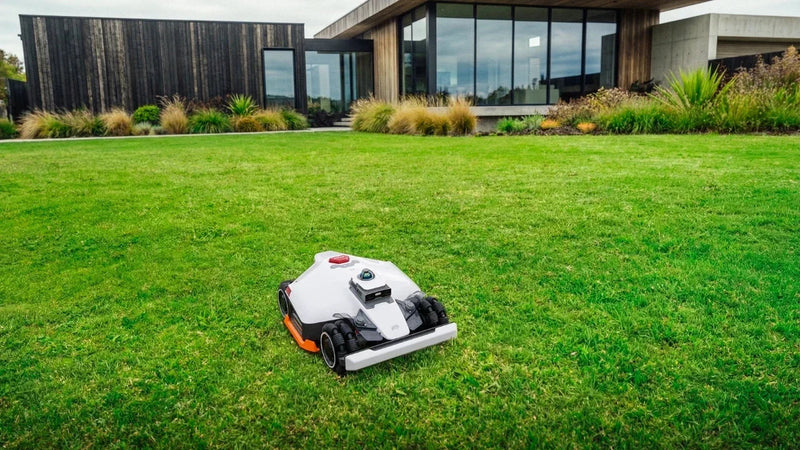
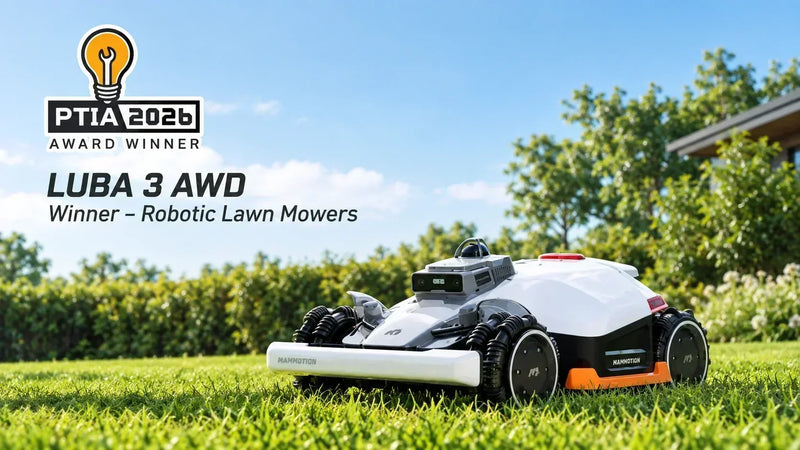
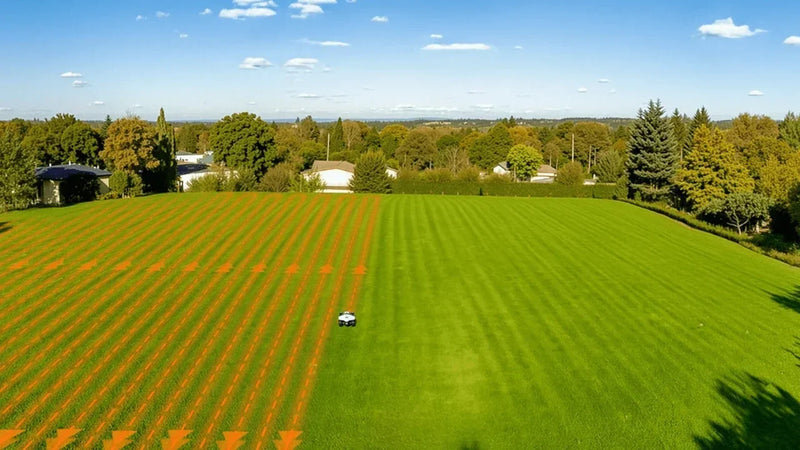
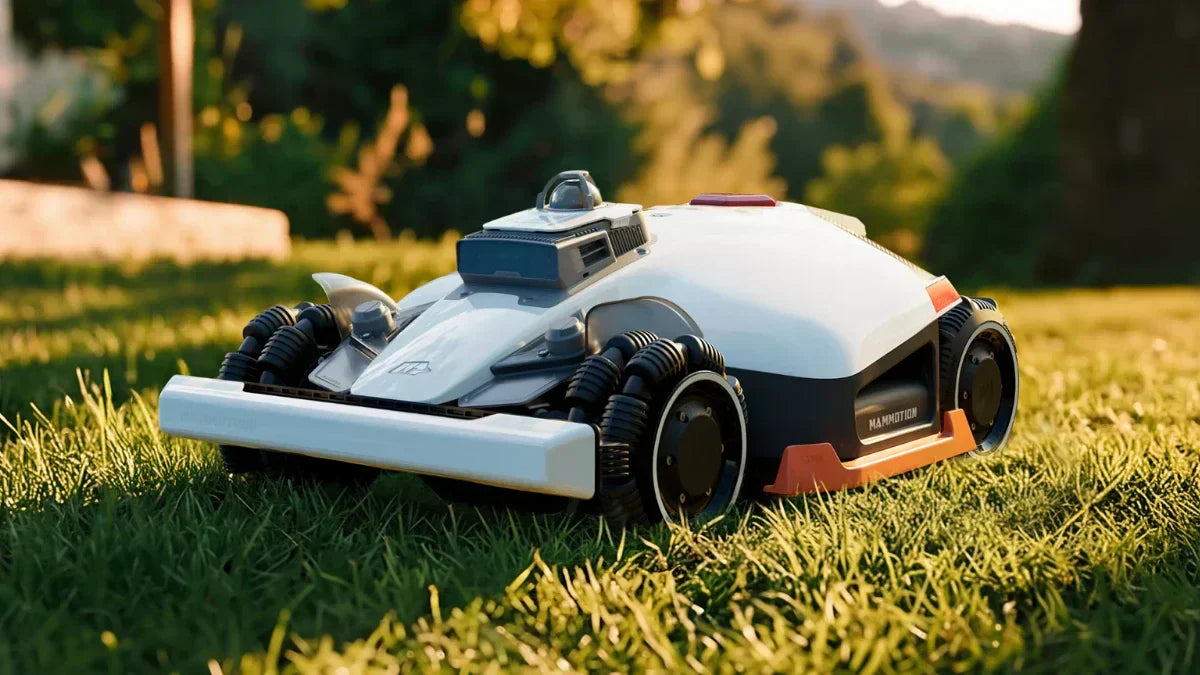
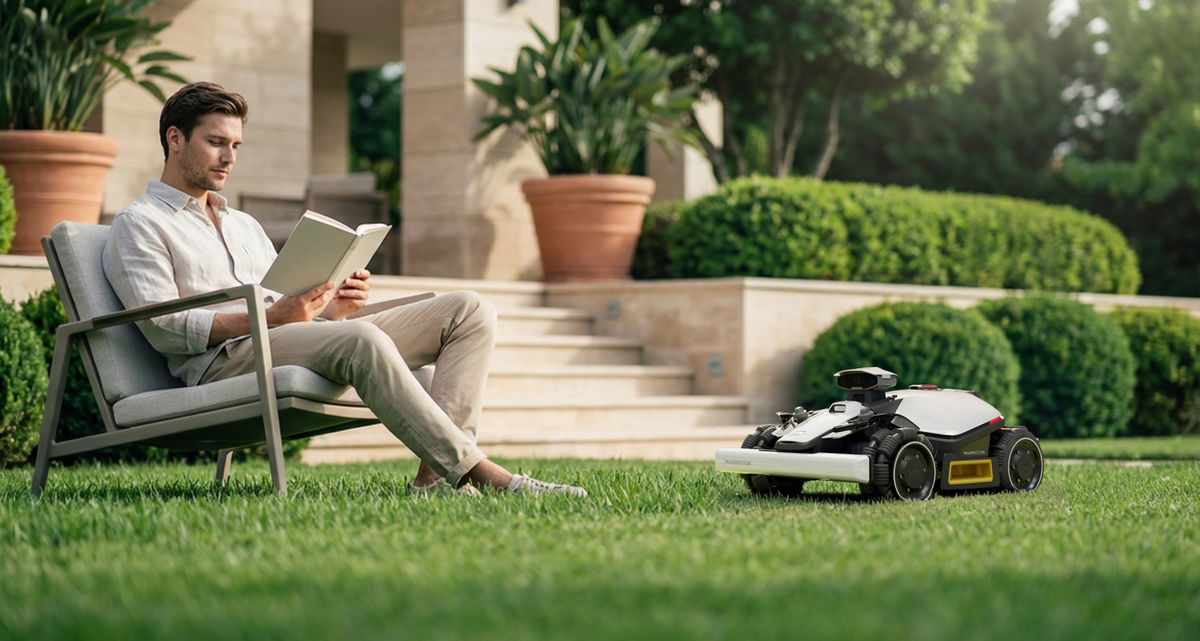
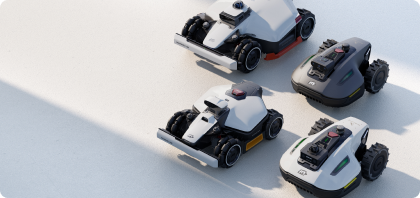
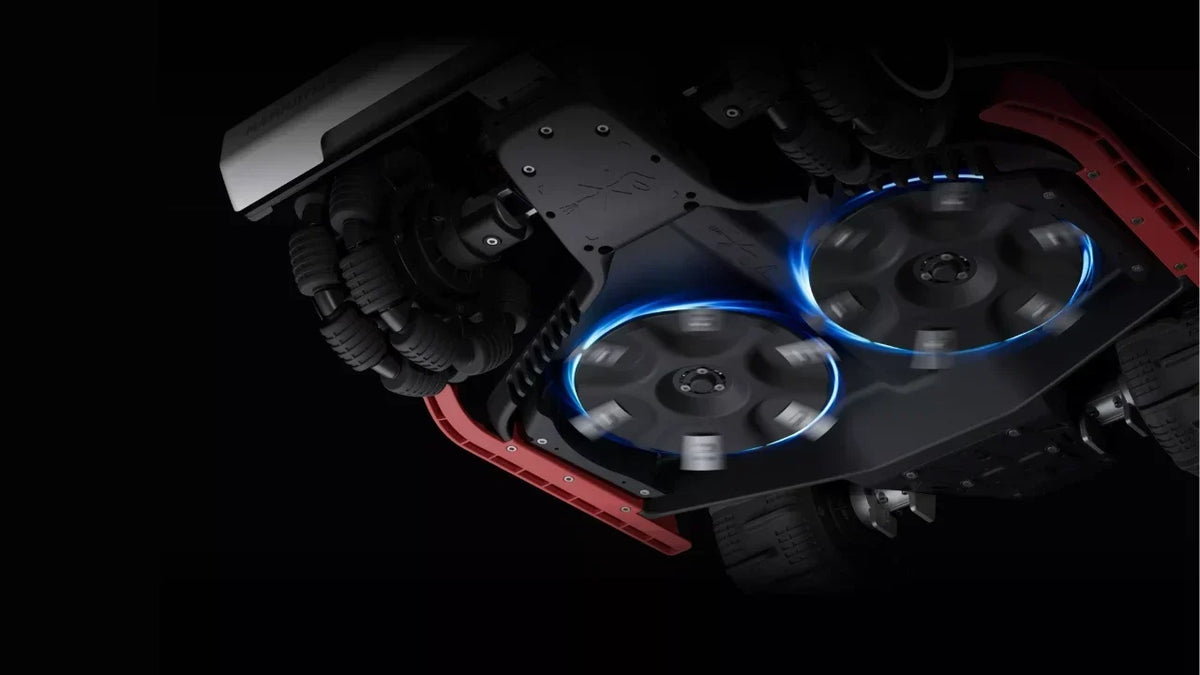
Lawn care is no longer a chore with the upgraded LUBA 2 AWD robot lawn mower from Mammotion. Designed to redefine how homeowners manage their lawns, LUBA 2 AWD mower tackles steep slopes, uneven terrains, and expansive grass fields with ease.

14/07/2023

Can LUBA Get Well RTK Signal In My Lawn?

LUBA AWD Series boundary wire-free robot mowers are designed to handle various types of lawns.In this article, we will explore how LUBA robot mowers obtain a reliable GNSS RTK signal in your lawn with useful tips and provide “Not Recommended Lawn” case.   Step 1:  Suitable Lawn Checklist for LUBA  Luba's RTK station signal can cover large areas up to 45,000 square meters and can penetrate through walls to provide accurate positioning for multiple separate lawns. Although Luba (2023 version) is designed to work well with all types of lawns, there are certain lawn conditions where it is NOT RECOMMENDED to Luba:A. Lawn(in total) smaller than 200m2 B. Tall walls/ trees on your lawn >30%C. Lawn boundary with tall trees/wall > 50%D. Narrow lane( width<3m, length>5m, with tall trees&wall on both side) on your lawn >30% Not Recommended Lawn If your lawn heavily consists of tall walls or trees, please send the entire garden's Google Map to support@mammotion.com for a check. Rest assured that your data will be kept confidential.   Step 2: Tips for Setting RTK Antenna Station Place While LUBA does not require a line-of-sight view from every point in your lawn to the RTK reference station. However, to ensure a reliable signal, both the Luba mower and RTK reference station require at least a 90° open-sky view of your lawn. WRONG locations for RTK reference station WRONG locations for charging station Step 3: Tips for Setting up the Boundary and No-Go Zones  Check Signal Strength in App: Use the Mammotion App on your mobile phone to check the signal strength. If you find poor satellite signal reception in specific areas, it's recommended to partly edit the boundary in the app.  Keep the Mowing Boundary Away from High Obstacles: Maintain a distance between the LUBA mowing boundary and high trees or walls, as well asnarrow lanes with high trees and buildings on both sides.  Set No-Go Zones for Static Obstacles: Set no-go zones for such as trees, flower terraces, big holes, and swimming pools. When setting trees with a crown width larger than 2 meters as a no-go zone, ensure that the boundary of the no-go zone follows the boundary of the tree's crown. Step 4: Dealing with Partly Poor Satellite Signal The Real-Time Kinematic (RTK) positioning technology allows Luba to correct for errors in satellite positioning.Luba can autonomously move to an open sky area to restore satellite navigation if the signal is poor. You can also edit the boundary in the app by taking the mower out. Additionally, Mammotion’s FOTA upgrade for better mowing performance and experience. The coming mowing mode allows remote mowing for the boundary draw-away zones,fun as enjoying remote control race car. Let LUBA take care of your lawn 24/7h and enjoy your free time. Join the Mammotion Facebook official Community to share ideas with LUBA users from all over the world,as well as join our official Reddit Community for Mammotion expert tech support.

Celebrate Prime Day with Mammotion: Make Lawn Care Smarter This Summer!
02/07/2025

Celebrate Prime Day with Mammotion: Make Lawn Care Smarter This Summer!

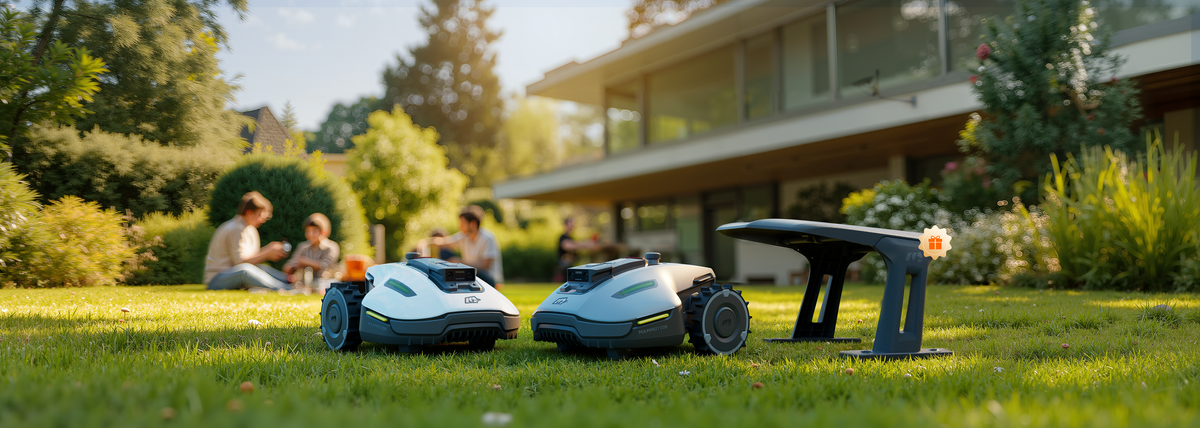
Celebrate Prime Day with Mammotion from July 2-11,  you’ll receive a FREE custom garage when you purchase our best-selling YUKA Mini robotic lawn mower!

mammotion yuka mini robot mower
12/05/2025

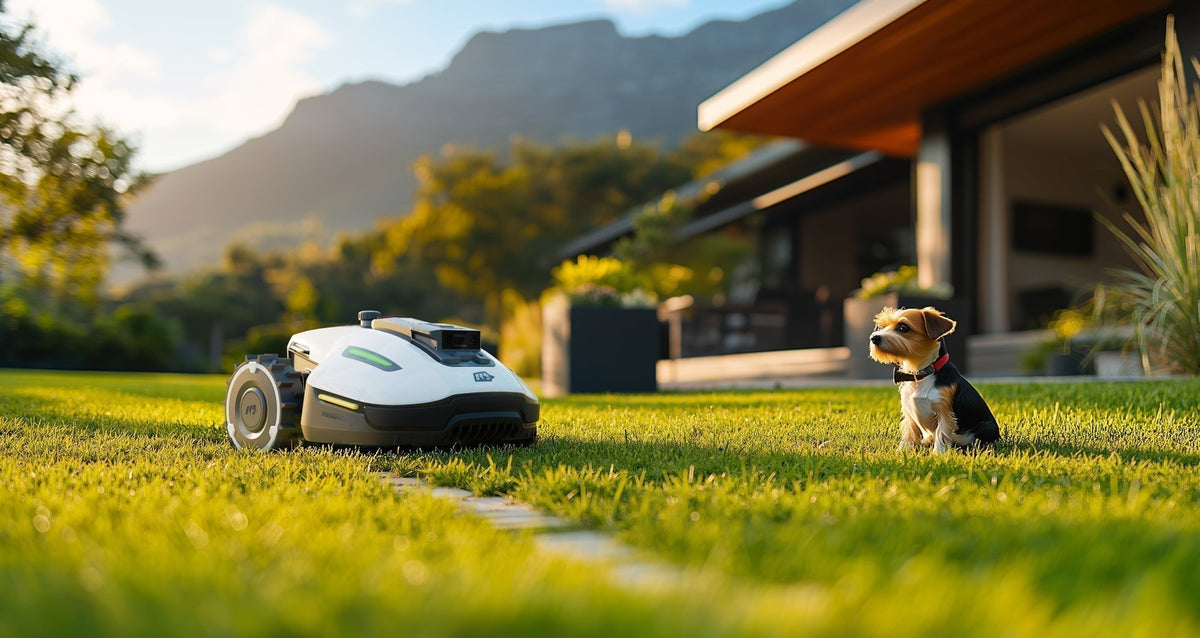
This Father’s Day, Give Him Back His Time — With YUKA mini Robot Mower

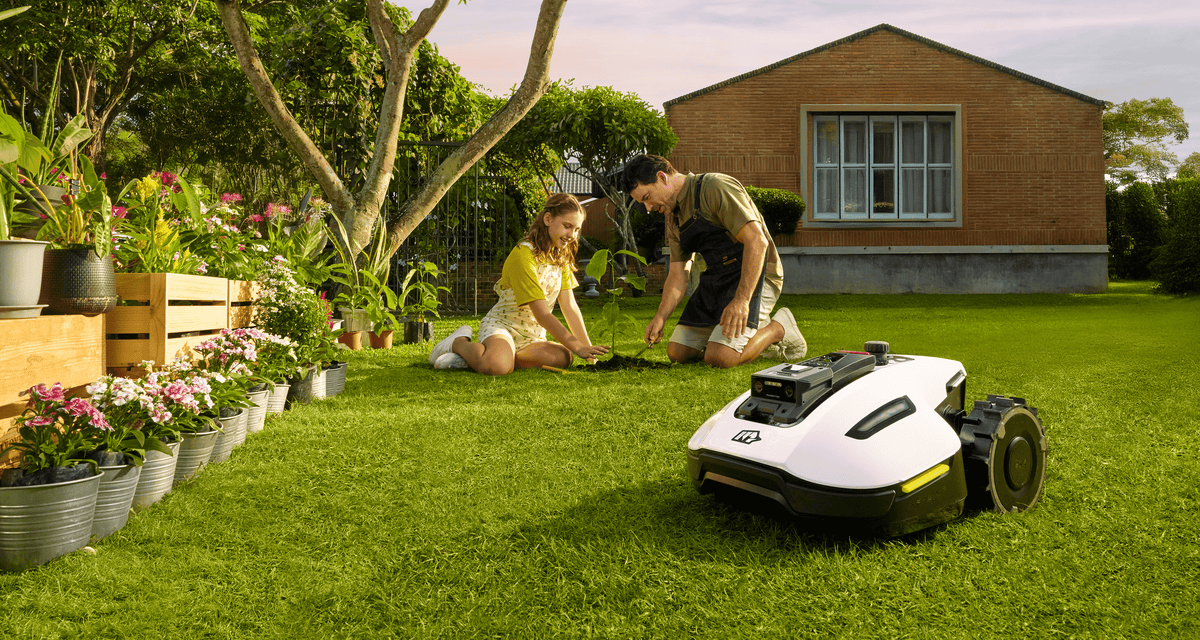
This Father’s Day, skip the socks and surprise him with something that actually makes a difference — more time for what really matters: playing with the kids, relaxing with the family, and simply enjoying life.

Mammotion iNavi Service™
Mammotion News01/04/2025

Mammotion iNavi Service™: Comprehensive Guide

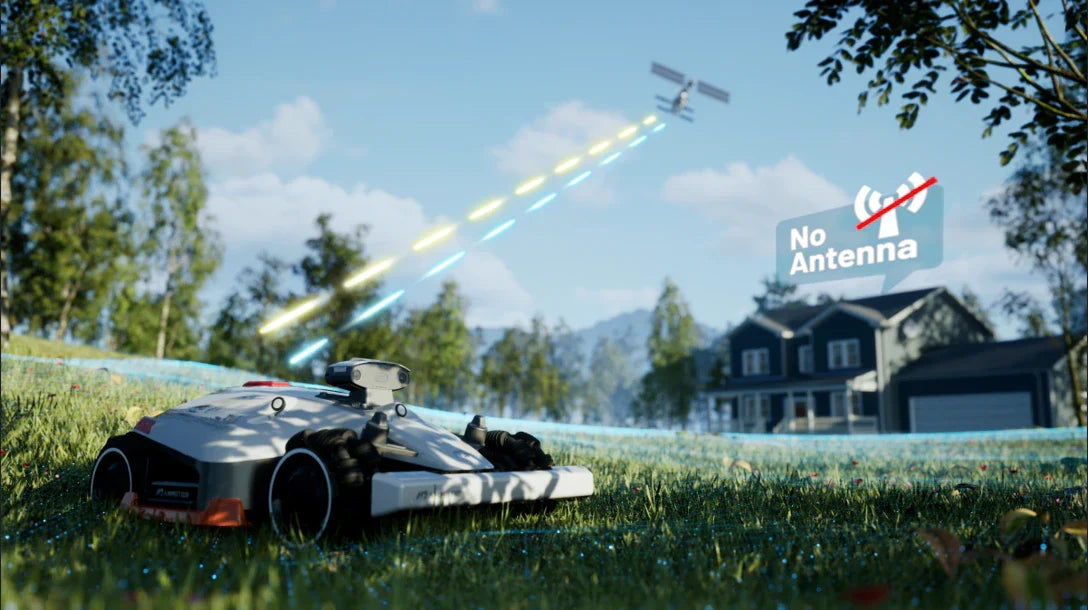
Mammotion iNavi Service™ is a global, centimeter-level real-time positioning system developed by Mammotion Atlas Lab. No antenna, no installation of physical base station.

spring lawn care tips
Lawn Care24/03/2025

10 Spring Lawn Care Tips for a Lush Green Lawn

In this guide, we’ll cover 10 essential spring lawn care tips tailored for European lawns to help you achieve a beautiful, thriving lawn.

Redefining Lawn Care with the Upgraded Mammotion LUBA 2
Mammotion News08/01/2025

Redefining Lawn Care with the Upgraded Mammotion LUBA 2

Lawn care is no longer a chore with the upgraded LUBA 2 AWD robot lawn mower from Mammotion. Designed to redefine how homeowners manage their lawns, LUBA 2 AWD mower tackles steep slopes, uneven terrains, and expansive grass fields with ease.

14/07/2023

Can LUBA Get Well RTK Signal In My Lawn?

LUBA AWD Series boundary wire-free robot mowers are designed to handle various types of lawns.In this article, we will explore how LUBA robot mowers obtain a reliable GNSS RTK signal in your lawn with useful tips and provide “Not Recommended Lawn” case.   Step 1:  Suitable Lawn Checklist for LUBA  Luba's RTK station signal can cover large areas up to 45,000 square meters and can penetrate through walls to provide accurate positioning for multiple separate lawns. Although Luba (2023 version) is designed to work well with all types of lawns, there are certain lawn conditions where it is NOT RECOMMENDED to Luba:A. Lawn(in total) smaller than 200m2 B. Tall walls/ trees on your lawn >30%C. Lawn boundary with tall trees/wall > 50%D. Narrow lane( width<3m, length>5m, with tall trees&wall on both side) on your lawn >30% Not Recommended Lawn If your lawn heavily consists of tall walls or trees, please send the entire garden's Google Map to support@mammotion.com for a check. Rest assured that your data will be kept confidential.   Step 2: Tips for Setting RTK Antenna Station Place While LUBA does not require a line-of-sight view from every point in your lawn to the RTK reference station. However, to ensure a reliable signal, both the Luba mower and RTK reference station require at least a 90° open-sky view of your lawn. WRONG locations for RTK reference station WRONG locations for charging station Step 3: Tips for Setting up the Boundary and No-Go Zones  Check Signal Strength in App: Use the Mammotion App on your mobile phone to check the signal strength. If you find poor satellite signal reception in specific areas, it's recommended to partly edit the boundary in the app.  Keep the Mowing Boundary Away from High Obstacles: Maintain a distance between the LUBA mowing boundary and high trees or walls, as well asnarrow lanes with high trees and buildings on both sides.  Set No-Go Zones for Static Obstacles: Set no-go zones for such as trees, flower terraces, big holes, and swimming pools. When setting trees with a crown width larger than 2 meters as a no-go zone, ensure that the boundary of the no-go zone follows the boundary of the tree's crown. Step 4: Dealing with Partly Poor Satellite Signal The Real-Time Kinematic (RTK) positioning technology allows Luba to correct for errors in satellite positioning.Luba can autonomously move to an open sky area to restore satellite navigation if the signal is poor. You can also edit the boundary in the app by taking the mower out. Additionally, Mammotion’s FOTA upgrade for better mowing performance and experience. The coming mowing mode allows remote mowing for the boundary draw-away zones,fun as enjoying remote control race car. Let LUBA take care of your lawn 24/7h and enjoy your free time. Join the Mammotion Facebook official Community to share ideas with LUBA users from all over the world,as well as join our official Reddit Community for Mammotion expert tech support.